
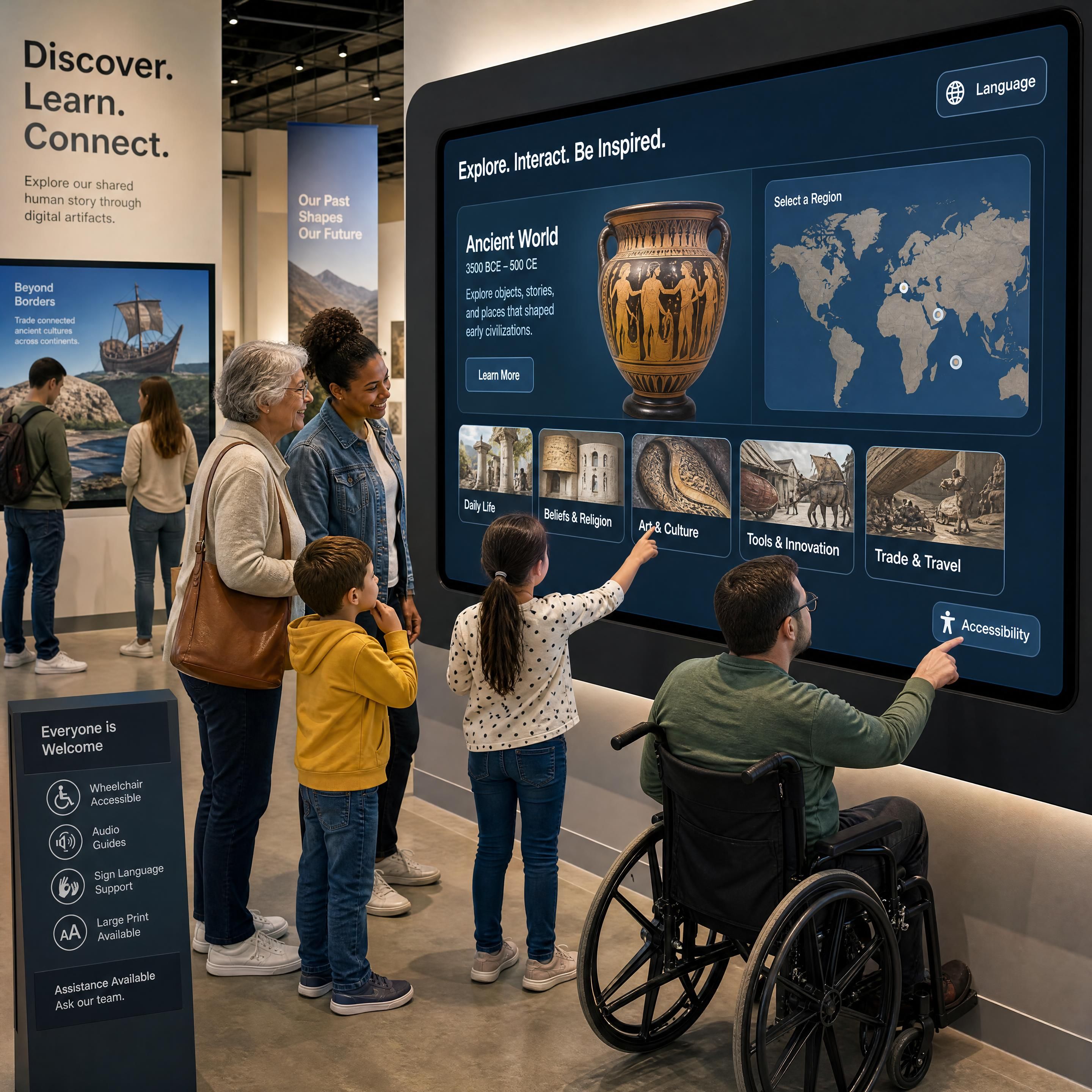
In 2026, the global museum technology market has reached an impressive $6.45 billion. Cultural institutions worldwide are rushing to deploy the latest visitor engagement technology 📊 $6.45 Billion – Global Museum Tech Market. From a multi-touch interactive screen displaying historical timelines to a towering immersive wall or a fully enclosed immersive room, these tools promise to revolutionize the digital museum experience.
However, behind the dazzling projections and touchpads lies a harsh reality: many high-tech installations fail to engage visitors, drain operational budgets, and become costly maintenance nightmares. Navigating these pitfalls is essential for successful interactive exhibit design in any modern museum exhibition.
"Audiences in 2026 don’t want passive observation; they want experiences worth remembering, sharing, and returning to."
— Amra & Elma Museum Marketing Study
By analyzing common mistakes, pitfalls to avoid, and hard-learned lessons from the field, this guide helps museum directors, scenographers, and cultural project managers secure their investments and design truly impactful digital spaces.
1. Why Does "Tech for Tech's Sake" Destroy Your Experiential Technology ROI?
The most common mistake in modern scenography is starting with the hardware rather than the narrative. When a museum decides to buy an expensive immersive wall simply because "it looks modern," the project is already in jeopardy. Without a strong story, technology becomes an expensive gimmick that visitors glance at for ten seconds before moving on.
To achieve a strong experiential technology ROI, the technology must serve as a vessel for the story, not the story itself. Visitors need active, goal-oriented exploration.
A prime example of narrative-first innovation is Storycaster, an AI-driven system presented at the CHI 2026 conference by Microsoft Researchers. Instead of using passive projection, Storycaster transforms physical rooms into responsive storytelling environments where users co-create narratives that evolve in real-time > "Storycaster seeks to redefine immersive storytelling as a physically embodied, dynamically controllable narrative experience."
— Microsoft Research at CHI 2026.
The Lesson Learned: Never buy hardware before your narrative script is finalized. Define the learning outcomes first, then select the digital tool—whether it's a simple touch interface or a complex projection setup—that best communicates that message.
2. How Does Ignoring Sensory Overload and Accessibility Exclude Your Audience?
An immersive room designed with 360-degree projections and booming spatial audio can be breathtaking. But for a neurodivergent visitor, a young child, or someone with sensory processing sensitivities, it can be terrifying. Far too many museums build high-stimulus spaces without considering the sensory impact, effectively locking out a significant portion of their audience.
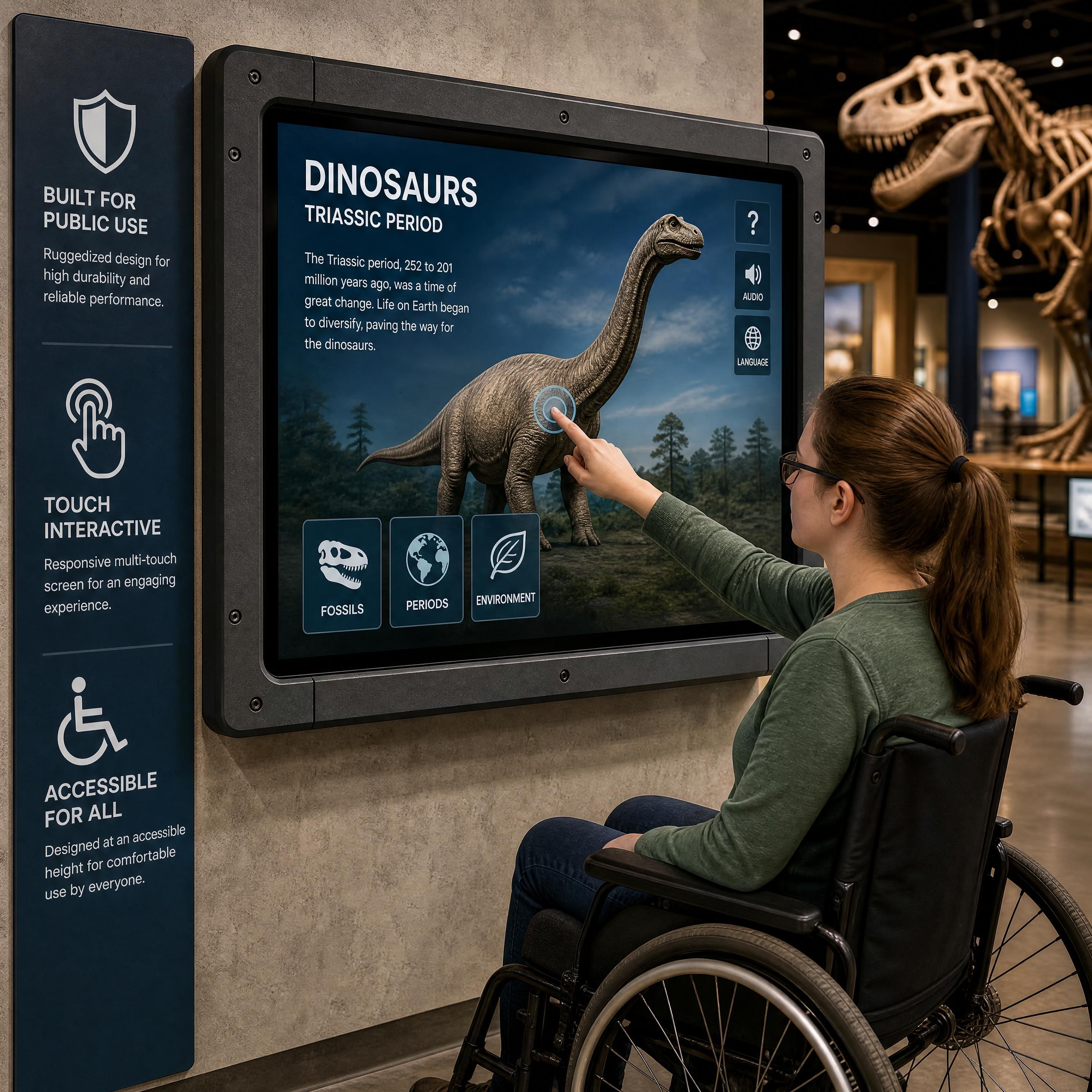
Similarly, physical accessibility is frequently overlooked in interactive exhibit design. An interactive screen mounted too high prevents wheelchair users and children from participating. Screens that rely purely on touch exclude visually impaired visitors who need tactile or auditory feedback.
Designing for Inclusivity:
- Sensory Controls: Provide "sensory-friendly" hours or include a physical dial near the entrance of an immersive space to let visitors reduce the volume or projection brightness.
- Physical Ergonomics: Ensure touchscreens are mounted at a height compliant with ADA/PMR guidelines (usually between 80cm and 120cm from the floor) and offer clear knee clearance for wheelchair users.
- Multimodal Interaction: Combine touch with physical buttons, directional audio, or haptic feedback to ensure the exhibit can be enjoyed through multiple senses.
3. Why Do Institutions Underestimate the "Day Two" Maintenance Nightmare?
It is easy to find budget for the grand opening of a new museum exhibition. It is much harder to find budget for "Day Two"—the weeks, months, and years of daily wear-and-tear that follow.
Imagine a visitor stepping up to an interactive screen only to find a frozen Windows desktop, a calibration error, or a broken sensor. Not only does this ruin the digital museum experience, but it also damages the institution's credibility.
Software stability is a major risk. In July 2026, a widely shared gaming news report highlighted how even professional interactive loading screens could crash an entire system due to unexpected user inputs. In a museum setting, thousands of unsupervised children will touch, tap, and swipe your screens in ways your developers never anticipated. If your software isn't "bulletproofed" against edge-case interactions, it will crash.
Furthermore, hardware must be physically secured. In high-traffic environments, cables get pulled, screens get scratched, and components overheat. Devices like BloomBeacon—developed by University of Chicago computer scientists in 2026 to create on-demand, touch-responsive displays from soft, flexible materials—show how the industry is moving toward safer, more durable physical interfaces > "UChicago's computer scientists have designed soft, on-demand interactive screens."
— Tech Xplore. Until these flexible materials are commercially standard, museums must invest in industrial-grade, ruggedized hardware.
4. LED vs. Projection Mapping: Are You Making the Wrong Hardware Choice?
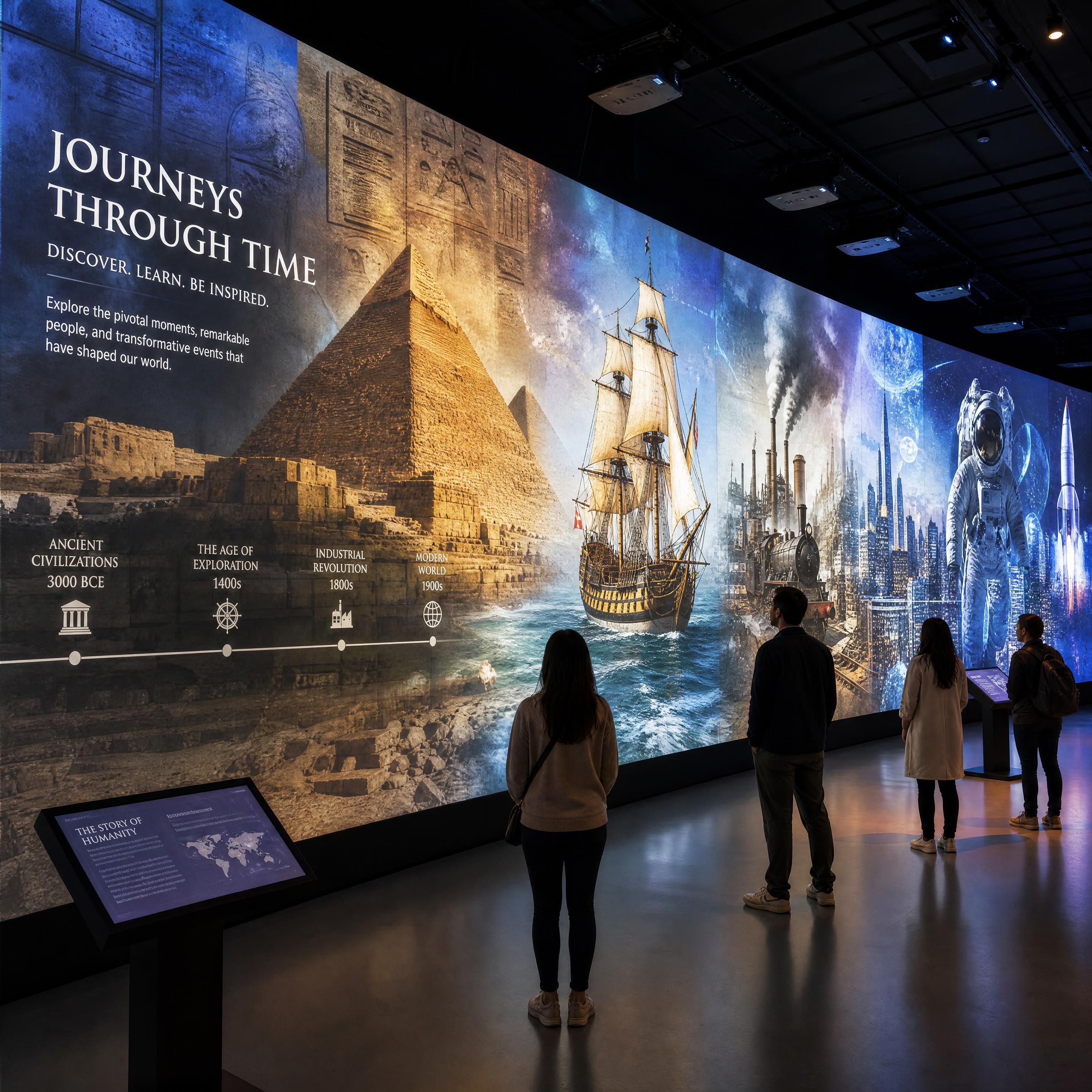
When designing an immersive wall, scenographers often face a critical choice: LED panels or projection mapping museum setups? Choosing the wrong display medium for your space is a costly mistake that can lead to blurry visuals, excessive heat, or washed-out colors.
| Display Technology | LED Wall Panels | Projection Mapping |
|---|---|---|
| Luminosity & Contrast | Extremely high; unaffected by ambient daylight. | Moderate; requires controlled, dark environments. |
| Physical Integration | Bulky, heavy, and requires dedicated structural wall support. | Minimal footprint; projectors are mounted discreetly on the ceiling. |
| Maintenance & Lifespan | Long lifespan, but replacing individual dead pixels/modules can be costly. | Projector bulbs/lasers require periodic cleaning and replacement; alignment drifts over time. |
| Visitor Experience | High-impact visuals, but can cause glare and emits significant heat up close. | Seamless, natural texture that blends beautifully with physical architecture. |
Many museums fail to account for ambient light. Installing a projection-based immersive wall in a gallery with large windows will result in a faded, unreadable display during daytime hours. Conversely, putting an ultra-bright LED wall in a small, tight room can cause eye strain and make the room uncomfortably hot.
The Lesson Learned: If your gallery has natural daylight that cannot be blocked, choose LED. If you want to project onto complex, historic architectural features without altering the physical fabric of the building, choose projection mapping.
5. Why Do Museums Fail to Measure Visitor Engagement Technology ROI?
How do you know if your $150,000 immersive room was actually worth the investment? Many cultural institutions rely on "gut feeling" or basic ticket sales, failing to measure actual visitor behavior.
Without concrete data, it is impossible to justify future technology budgets to board members, donors, or government funding bodies.
In 2026, leading museums are correcting this mistake by integrating anonymous, privacy-compliant analytical tools directly into their exhibits. By tracking dwell time (how long a visitor stands in front of an interactive screen), interaction rates (how many people actually touch the screen), and flow patterns, museums can continuously optimize their layouts.
According to data from the International Council of Museums (ICOM) and SenSource in 2026, museums that actively analyze visitor foot traffic and interaction data experience a 15% higher success rate when planning future exhibitions 📊 +15% with data-driven planning – Exhibition Success Rate Increase.
Case Study: How a Mid-Sized Art Museum Rescued a Failing Immersive Wall
In late 2025, a regional art museum in Europe launched a large-scale projection mapping exhibit. The goal was to project historical brushstrokes onto a custom-built 15-meter immersive wall.
Within three weeks of opening, the exhibit faced major issues:
- Low Engagement: Visitors walked past the wall without realizing they could interact with it. The motion sensors were hidden, and there was no clear call-to-action (CTA).
- Calibration Drifts: The daily vibrations from visitor footsteps caused the projectors to shift slightly, making the projected brushstrokes look blurry and misaligned.
- Sensory Complaints: The accompanying soundtrack was too loud, causing families with young children and neurodivergent visitors to bypass the room entirely.
The Turnaround Strategy:
The museum's curatorial team partnered with an interactive exhibit design specialist to implement three rapid, low-cost corrections:
- Visual Affordance: They added a physical, illuminated wooden pedestal with a small interactive screen in front of the wall. The screen displayed a simple message: "Touch here to paint with the artist." This single change increased visitor interaction by over 300%.
- Auto-Calibration Software: They integrated a modern media server system (using automated camera-based calibration) that checked and corrected projector alignment every night before opening.
- Sensory Zoning: They lowered the ambient volume by 15 decibels, installed directional acoustic panels to keep the sound contained within the room, and set up a physical "quiet bench" just outside the exhibit.
By addressing these practical pitfalls, the museum not only saved the exhibition but also saw a measurable lift in positive visitor feedback and museum membership sign-ups.
Practical Checklist: Bulletproofing Your Immersive Exhibit Design
Before signing off on your next digital scenography budget, ensure your project team can answer "Yes" to every question on this checklist:
- Narrative Priority: Is the technology chosen specifically to enhance a pre-written story, or are we building a story around a cool piece of hardware?
- Accessibility Compliance: Are all physical touchpoints, screens, and buttons accessible to wheelchair users, children, and those with limited mobility?
- Sensory Balance: Have we designed a "sensory escape route" or quiet area for visitors who experience sensory overload?
- Crash-Proof Software: Has the interactive software been stress-tested by non-technical users to ensure it won't freeze or crash under erratic inputs?
- Day Two Budget: Have we allocated at least 15% of the total project budget for ongoing hardware maintenance, software updates, and staff training over the next three years?
- Analytics & ROI: Do we have a concrete plan to measure dwell time and visitor interaction to prove our investment's value?
*(Note: In our upcoming comparative guide, LED vs. Projection Mapping: Which Dispositif is Right for Your Exhibition?, we go even deeper into the technical specifications of these two dominant hardware options to help you make the perfect choice.)*
Frequently Asked Questions (FAQ)
What is the average ROI of visitor engagement technology in museums?
While direct financial return can be measured through premium ticket sales for immersive galleries (which often command a 20-30% price premium), the true ROI of visitor engagement technology lies in increased dwell time, repeat visits, and word-of-mouth marketing. Museums utilizing interactive exhibits report higher visitor satisfaction scores and a significant lift in gift shop sales and annual membership conversions.
How do we design an immersive room for neurodivergent visitors?
Designing for neurodiversity requires a balance of high-stimulation and low-stimulation spaces. Ensure your immersive room has adjustable volume zones, directional sound showers (which keep audio localized to specific spots), and clear exits. Providing sensory maps at the entrance and hosting dedicated "sensory-friendly hours" with lowered lighting and sound are highly effective strategies.
What are the main maintenance challenges for an interactive screen in a high-traffic museum?
The primary challenges are physical screen wear, fingerprint accumulation, sensor misalignment, and software crashes. To mitigate these, always use commercial-grade screens (designed for 24/7 run times), protect them with scratch-resistant tempered glass, secure all physical cabling behind locked panels, and implement automated daily system reboots.
Key Statistics
📊 $6.45 Billion : The projected global museum technology market size, reflecting rapid post-pandemic digital transformation. (Source: Growth Market Reports)
💡 15% Higher Success Rate : Achieved by museum exhibitions that utilize data-driven foot traffic and engagement analytics to plan layouts. (Source: ICOM / SenSource)
🎯 7.8% CAGR : The steady growth rate of the interactive museum exhibits market, projected to reach $6.1 billion by 2034. (Source: MarketIntelo)
Conclusion
Immersive technologies like interactive screens, immersive walls, and immersive rooms have the power to turn a passive gallery visit into an unforgettable, deeply educational journey. However, the success of these installations relies entirely on thoughtful, inclusive, and narrative-driven design. By avoiding the pitfalls of "tech for tech's sake," planning for long-term maintenance, and prioritizing accessibility, your institution can build digital experiences that inspire visitors and justify every dollar invested.
Ready to modernize your exhibition space without the costly mistakes?
Contact our digital scenography experts today for a personalized consultation, or download our complete 2026 Scenographer's Hardware Guide to choose the perfect hardware for your next project.